Templates
Start with a design you love
Every template is fully brandable — swap in your logo, colors, stamp icon and reward.
Loading templates…
Branded examples
How your brand looks in the wallet
Three made-up businesses, each with their own logo, color and banner image. Every design here follows Apple and Google Wallet's real rules.
Ember & Oak
Coffee roaster · Photo blend style
Ember & OakStamps
6/10
Reward
Free latte
To go
4
Ember & OakFree latte card
Stamps
6 of 10
Reward
Free latte
Maison Lumière
Hair salon · Photo blend style
Maison LumièreStamps
4/6

Reward
Free blowout
To go
2
Maison LumièreFree blowout card
Stamps
4 of 6
Reward
Free blowout
Golden Crust
Bakery · Standard style
Golden CrustStamps
3/8
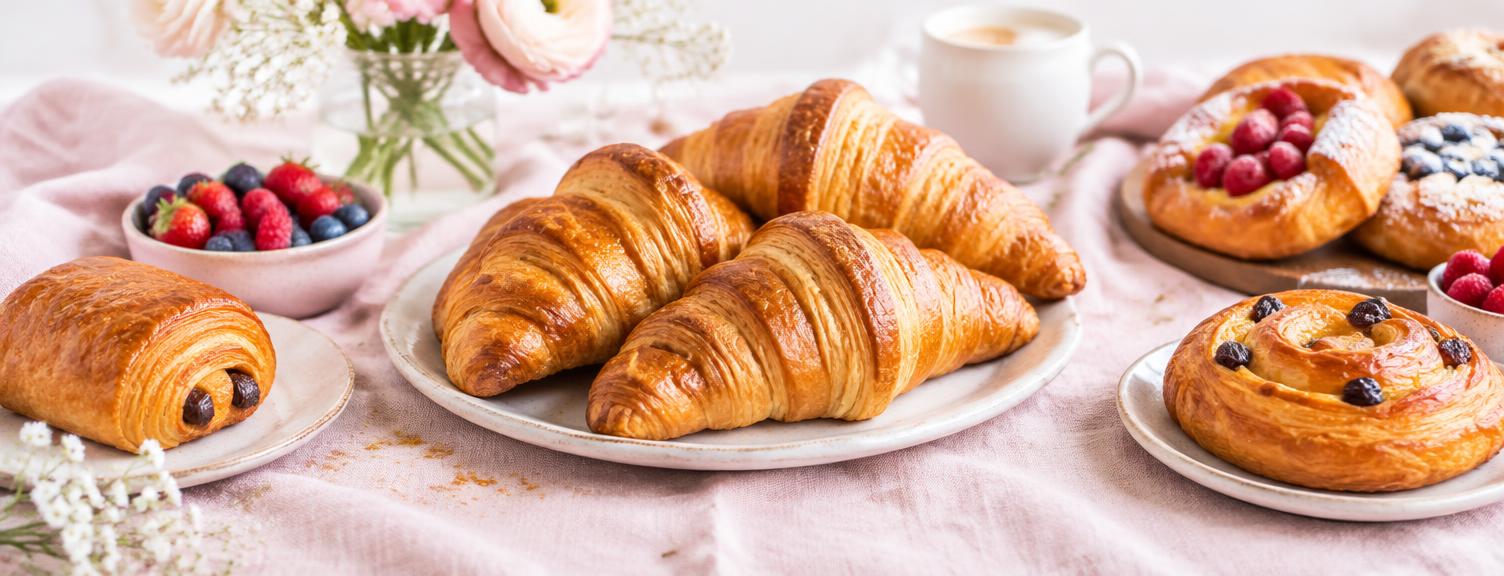
Reward
Free pastry
To go
5
Golden CrustFree pastry card
Stamps
3 of 8
Reward
Free pastry
What you can brand
Logo
Your logo, shown top-left (Apple) or in a circle (Google).
Background color
One solid brand color. Wallets don't allow full background photos on loyalty cards.
Text & label colors
Apple lets you set both; Google picks readable text automatically.
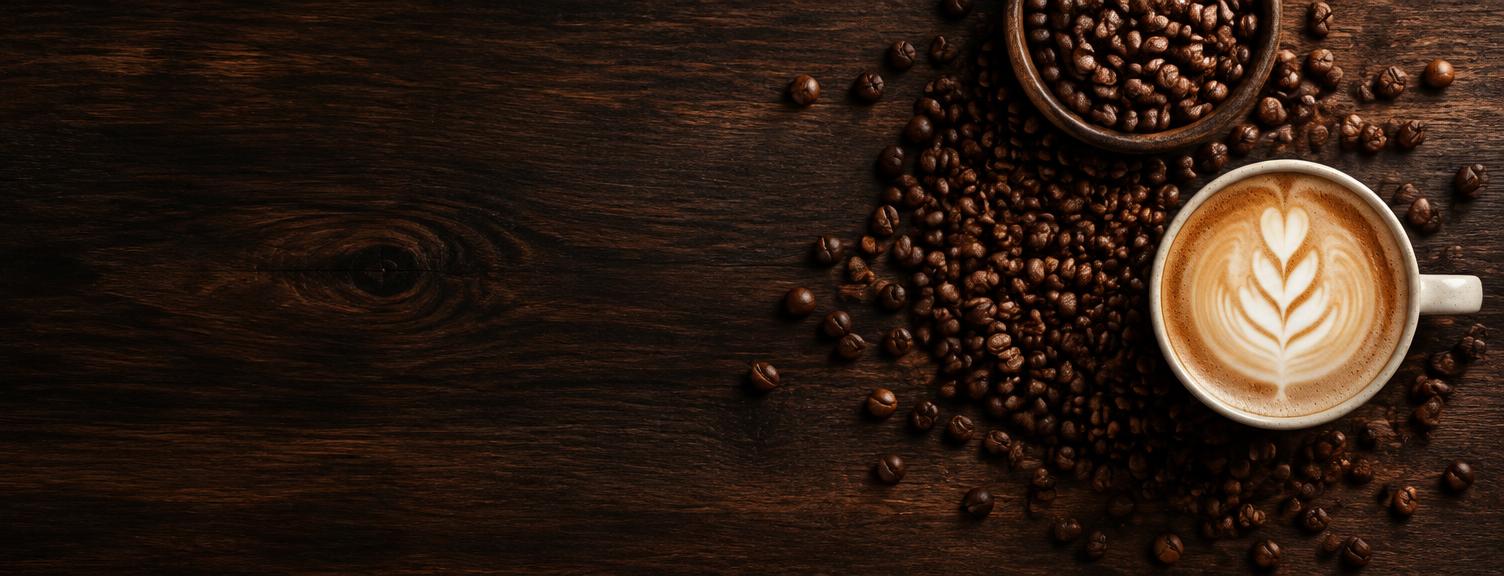
Banner image
One wide image (Apple strip / Google hero). Your stamps are drawn on top of it.
A few text fields
Reward, stamps collected, stamps to go, and terms on the back.
QR / barcode
Scanned at the till to add stamps.